
Exit Intent Pop Up Subscribe allows you to adjust your Pop Up Subscribe’s trigger so that it is triggered by reader behavior that indicates they are leaving your site.
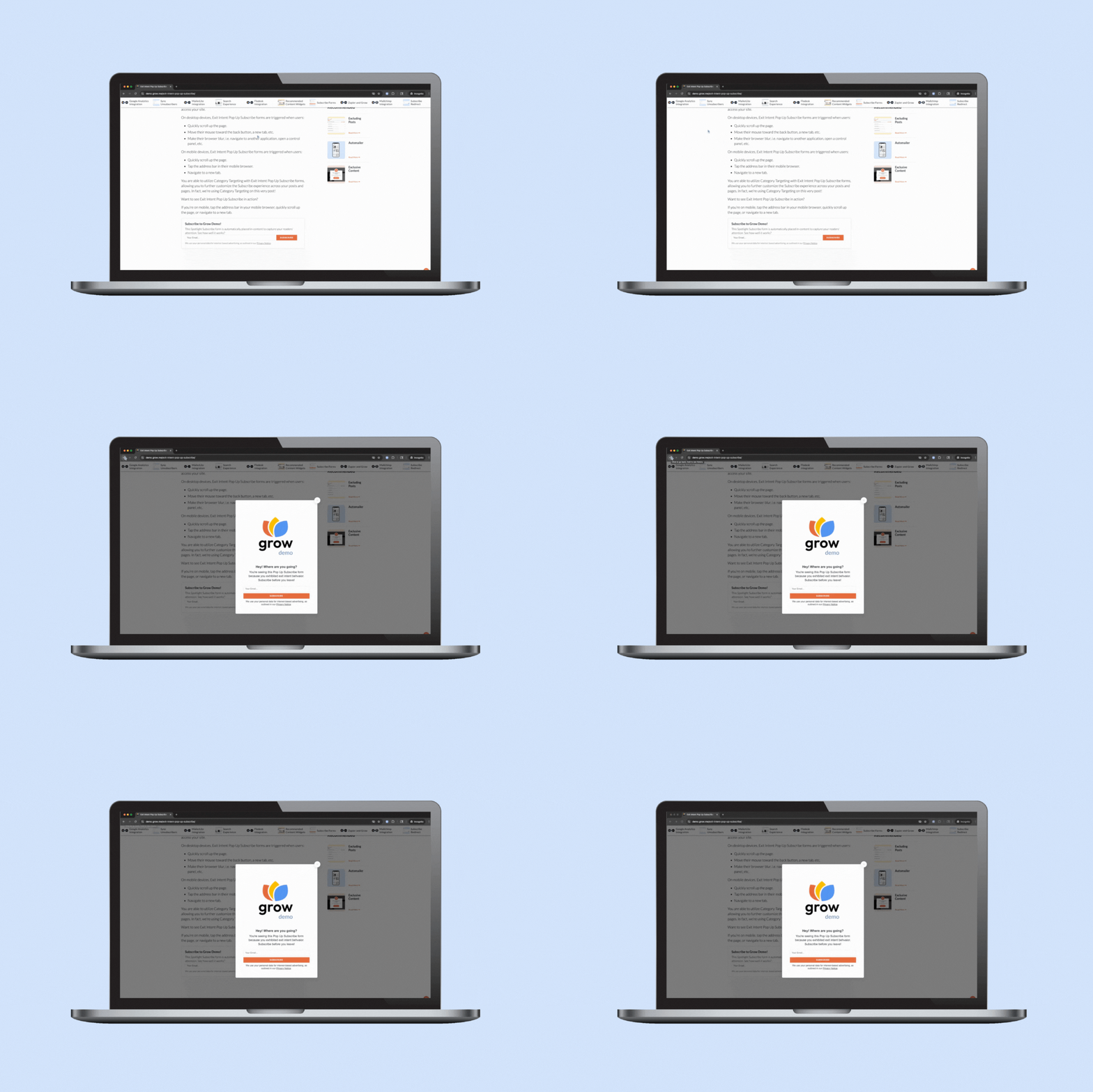
Exit intent behaviors vary by device, so the triggers will differ based on how users access your site.
On desktop devices, Exit Intent Pop Up Subscribe forms are triggered when users:
- Move their mouse toward the back button, a new tab, etc.
- Make their browser blur, i.e. navigate to another application, open a control panel, etc.
On mobile devices, Exit Intent Pop Up Subscribe forms are triggered when users:
- Quickly scroll up the page.
- Tap the address bar in their mobile browser.
- Navigate to a new tab.
You are able to utilize Category Targeting with Exit Intent Pop Up Subscribe forms, allowing you to further customize the Subscribe experience across your posts and pages. In fact, we’re using Category Targeting on this very post!
Want to see Exit Intent Pop Up Subscribe in action?
If you’re on mobile, tap the address bar in your mobile browser, quickly scroll up the page, or navigate to a new tab.
If you’re on desktop, move the mouse toward the back button or new tab, quickly scroll up the page, or pull up another application while leaving this browser window open in the background.
Ready to set up with Exit Intent Pop Up Subscribe?
Head to Grow Publisher Portal and click Subscribe in the siderail to get started!
If you want to add Exit Intent to an existing Pop Up Subscribe form, find that form in your forms list and click Manage Form.
You can click Add New Form to create a new Pop Up Subscribe form as well.